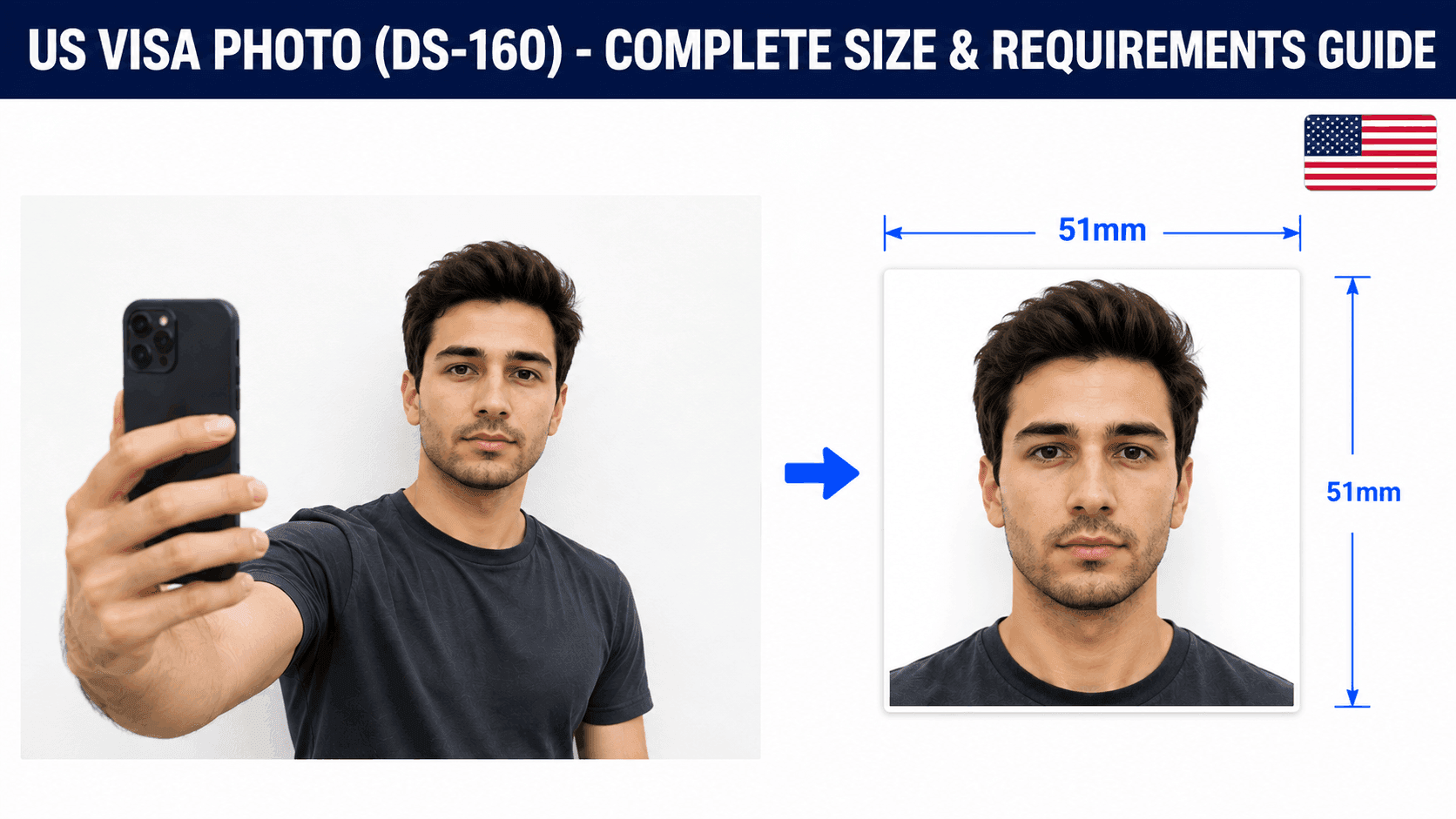
How to Resize a US Visa Photo for DS-160 (Free, No Studio Needed)
US visa photos follow the same physical standard as US passport photos, but with their own digital upload rules through the DS-160 form. Here's exactly what's required.
US Visa (DS-160) Photo Requirements
- Size: 2 x 2 inches (51 x 51mm), or 600 x 600px for a digital upload
- Background: Plain white or off-white
- File size: Up to 240KB
- Head height: 25-35mm from chin to crown
Step 1: Take the Photo
Stand about 4-5 feet from a plain white or off-white wall, face the camera directly with a neutral expression, and make sure lighting is even with no shadows. A regular phone camera works fine - no studio visit needed.
Step 2: Resize It to the Exact Specification
Your photo needs to be cropped precisely to 600x600px with your face sized correctly within that square frame. Getting this exact by hand is where most DIY attempts go wrong.
You can use a free tool like PassportPhotoFix to handle this automatically - upload your photo, and it crops, resizes, and compresses it to fit the exact DS-160 requirements, entirely in your browser.
Step 3: Upload It to Your DS-160 Form
Once resized, upload the photo directly during your DS-160 application. Some consulates may also ask for a printed copy at your interview - check your specific consulate's instructions.
Step 4: Double-Check Before You Submit
Compare your finished photo against the current requirements on the U.S. Department of State's website before submitting.
Common Mistakes to Avoid
- Wearing glasses (generally not accepted)
- A background that isn't plain white or off-white
- File size over 240KB
- Using a photo older than 6 months
Getting this right the first time avoids a rejected upload and having to redo your DS-160 photo step.