How to Resize a Singapore Passport Photo (Free, No Studio Needed)
Singapore's ICA has fairly straightforward passport photo rules, but two details catch people out: a stricter 3-month recency requirement, and a warning against wide-angle selfies. Here's what's required.
Singapore Passport Photo Requirements
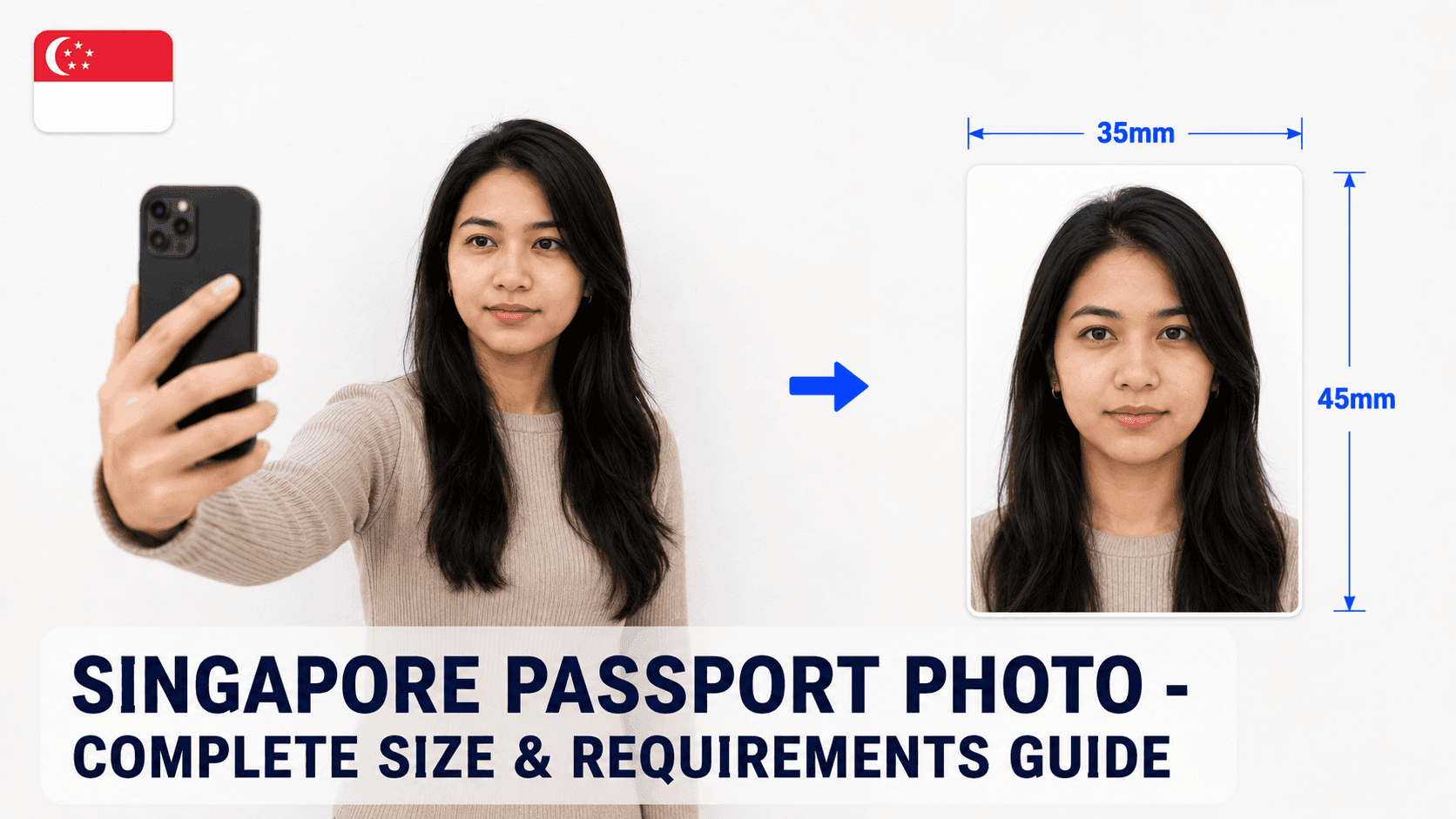
- Size: 35 x 45mm, or 400 x 514px for a digital upload
- Background: Plain white
- File size: Under 2MB (2048KB)
- Recency: Taken within the last 3 months (stricter than most countries' 6-month rule)
Step 1: Take the Photo
Stand about 4-5 feet from a plain white wall, face the camera directly with a neutral expression. Avoid taking a selfie with a wide-angle lens, since it can distort your facial features - have someone else take the photo if possible.
Step 2: Resize It to the Exact Specification
Your photo needs to be cropped precisely to 400x514px with your head height in the 32-36mm range (70-80% of the frame). Getting this exact by hand is where most DIY attempts go wrong.
You can use a free tool like PassportPhotoFix to handle this automatically - upload your photo, and it crops, resizes, and compresses it to the exact ICA specification, entirely in your browser.
Step 3: Double-Check Before You Submit
Compare your finished photo against the current requirements on the ICA website before submitting, and make sure it's genuinely no older than 3 months.
Common Mistakes to Avoid
- Using a photo older than 3 months
- A wide-angle selfie that distorts your face
- Head coverings not worn for religious/medical reasons
- File size over 2MB
Since Singapore's recency rule is stricter than most countries, double-check the actual date your photo was taken before submitting.