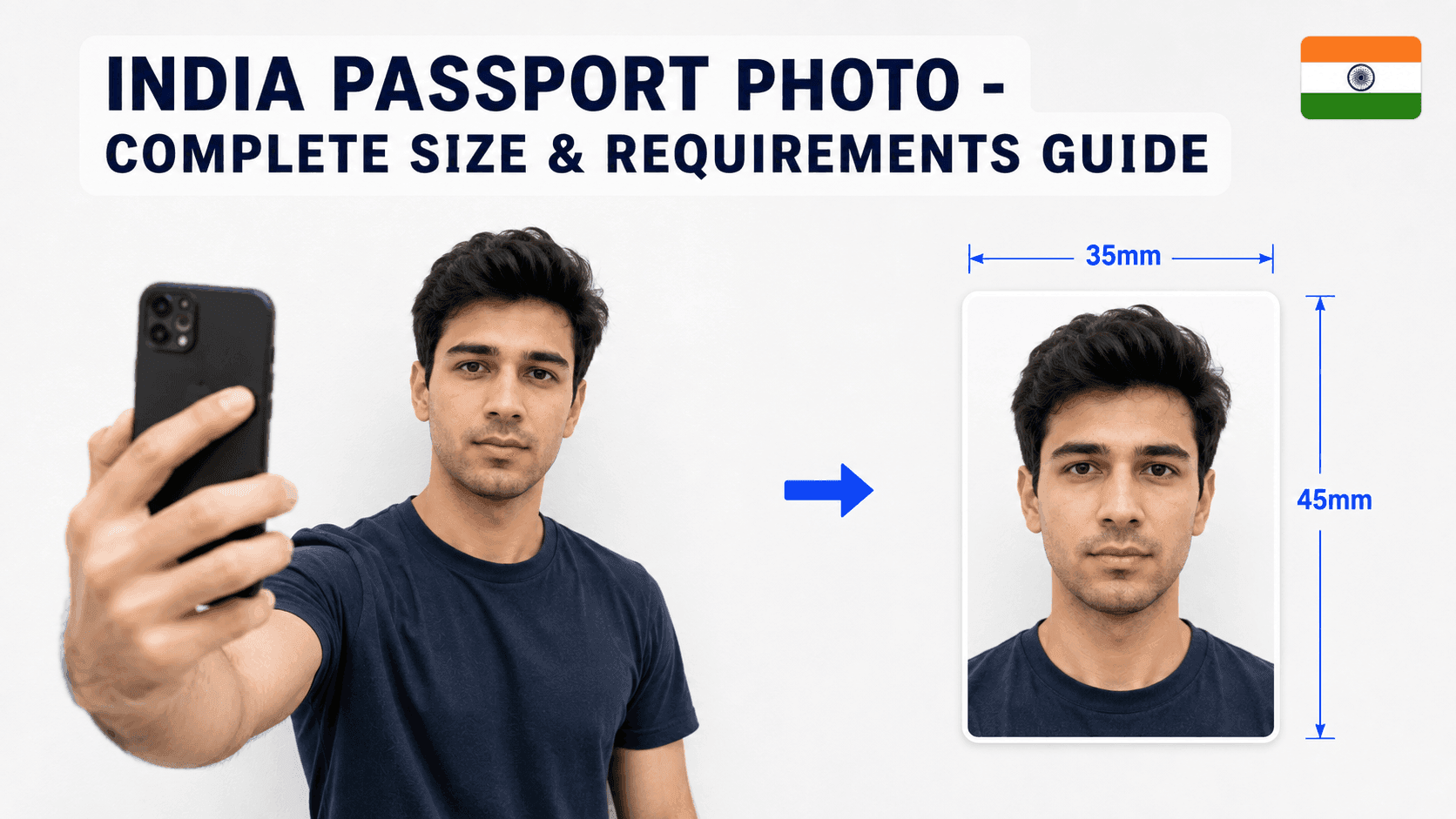
How to Resize an Indian Passport Photo (Free, No Studio Needed)
Indian passport photo requirements changed significantly in September 2025, and a lot of guides online still show the outdated spec. Here's what's actually required now.
Indian Passport Photo Requirements (Current)
- Size: 35 x 45mm (3.5 x 4.5cm), or 630 x 810px for a digital upload
- Background: Plain white
- File size: Under 250KB
- Face height: Should fill roughly 80-85% of the frame
The Size Actually Changed in 2025
If you've seen guides saying Indian passport photos should be 2x2 inches (51x51mm) and square, that information is outdated. As of 1 September 2025, India switched to the international ICAO standard: 35 x 45mm, a portrait (taller-than-wide) shape, not a square.
Step 1: Take the Photo
Stand about 4-5 feet from a plain white wall, face the camera directly with a neutral expression, and make sure lighting is even with no shadows. A phone photo works fine.
Step 2: Resize It to the Exact Specification
Your photo needs to be cropped precisely to 630x810px with your face filling most of the frame - India's framing is noticeably tighter than most other countries. Getting this exact by hand is where most DIY attempts go wrong.
You can use a free tool like PassportPhotoFix to handle this automatically - upload your photo, and it crops, resizes, and compresses it to the current Passport Seva Portal specification, entirely in your browser.
Step 3: Double-Check Before You Submit
Compare your finished photo against the current requirements on the Passport Seva Portal before submitting, since this is a genuinely recent change and worth confirming.
Common Mistakes to Avoid
- Using the old 2x2 inch square format
- Wearing glasses (not permitted under current rules)
- File size over 250KB
- Leaving too much space around your head instead of filling the frame
Since this spec changed recently, double-checking against the current rule (not an old guide) is especially worth doing for Indian passport photos.