How to Resize a Japan Passport Photo (Free, No Studio Needed)
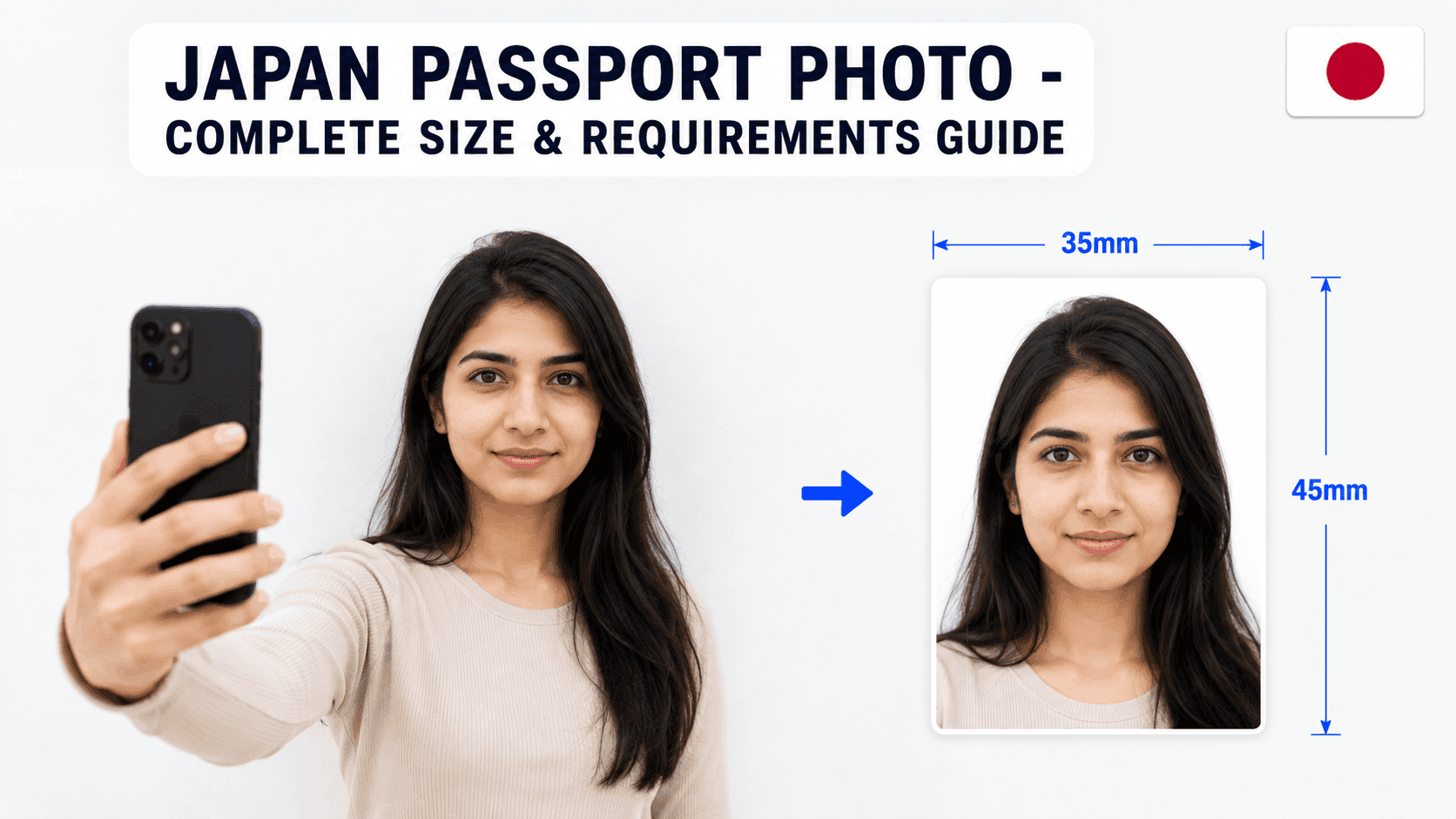
Japanese passport photos follow a precise size and head-height standard set by the Ministry of Foreign Affairs (MOFA). Here's exactly what's required.
Japan Passport Photo Requirements
- Size: 35 x 45mm
- Background: Plain white (safest choice; light grey sometimes accepted)
- Head height: 32-36mm from chin to crown (MOFA specifies 34mm ± 2mm)
- Recency: Taken within the last 6 months
Step 1: Take the Photo
Stand about 4-5 feet from a plain white wall, face the camera directly with a neutral expression - no smiling, mouth closed, eyes open. Keep your head straight, not tilted. A regular phone camera works fine.
Step 2: Resize It to the Exact Specification
Your photo needs to be cropped precisely to 35x45mm with your head height in the 32-36mm range. Getting this exact by hand is where most DIY attempts go wrong.
You can use a free tool like PassportPhotoFix to handle this automatically - upload your photo, and it crops and resizes it to the exact Japanese passport specification, entirely in your browser.
Step 3: Check Whether You Need a Print or Digital File
Most Japanese passport applications are still submitted in person with a printed photo, so getting the 35x45mm print size right matters most. If you're using an online pre-registration system, check its specific file requirements as well.
Step 4: Double-Check Before You Submit
Compare your finished photo against the current requirements on Japan's Ministry of Foreign Affairs website before submitting.
Common Mistakes to Avoid
- A tilted head position
- Smiling or an open mouth
- A background that isn't plain white
- Using a photo older than 6 months
Getting the head-height range and neutral expression right the first time avoids a rejected photo at your application appointment.