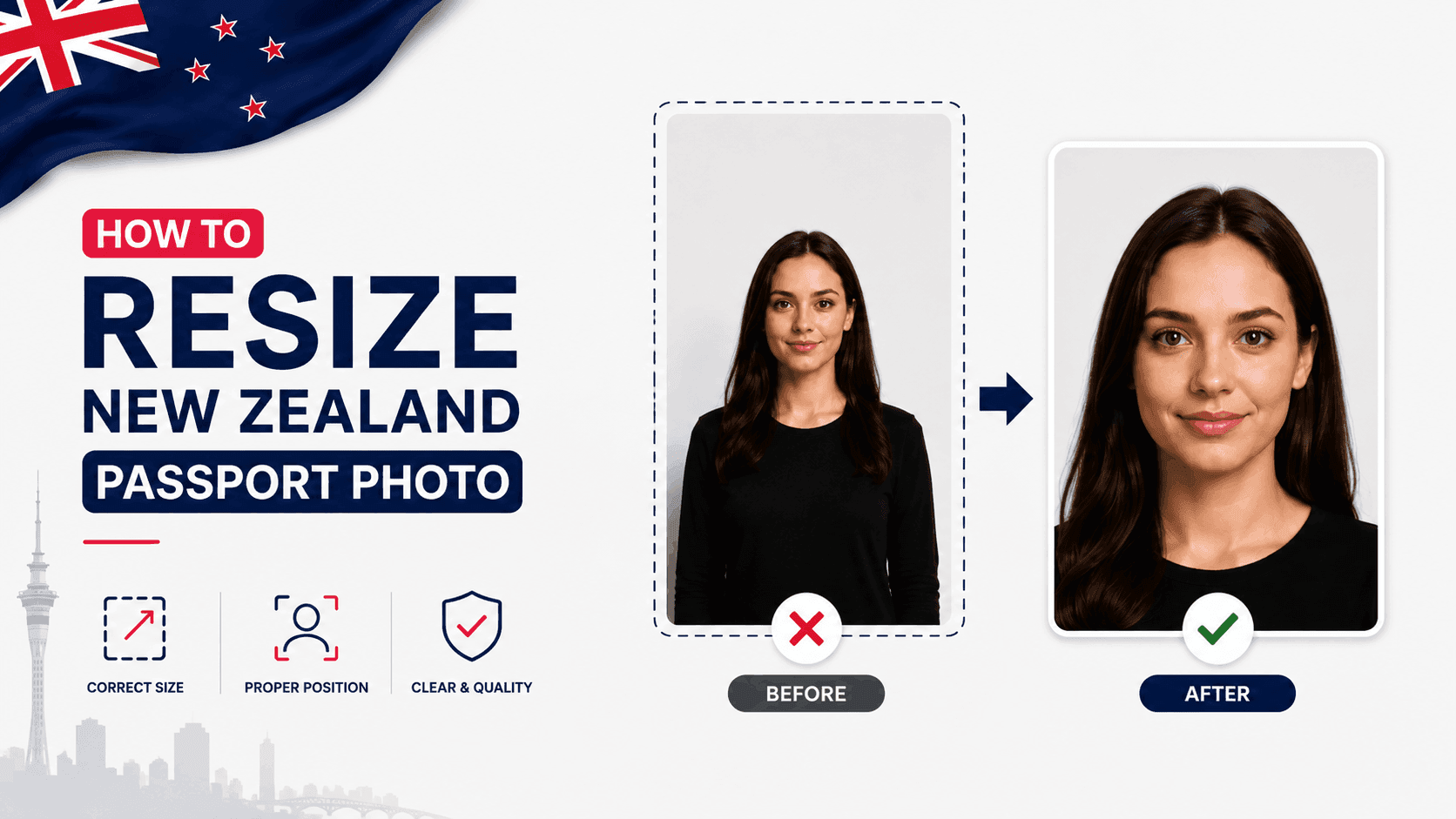
How to Resize a New Zealand Passport Photo (Free, No Studio Needed)
New Zealand passport photos have two rules that trip up more people than almost anywhere else - the background color, and who's allowed to take the photo. Here's exactly what's required.
New Zealand Passport Photo Requirements
- Size: 35 x 45mm, with face height between 32mm and 36mm from chin to crown (roughly 70-80% of the photo height)
- Background: Plain, light-colored - but explicitly NOT white
- Expression: Neutral, mouth closed, both eyes open - no head tilt
- Recency: Taken within the last 6 months
The Background Rule Most People Get Wrong
Unlike most countries, which want a white background, New Zealand's Department of Internal Affairs specifically requires a light background that is NOT white - light grey or off-white is the standard choice. This catches a lot of people off guard, since it's the opposite of what most other passport photos require. Using a white background is one of the most common reasons New Zealand photos get rejected.
Step 1: Take the Photo (You'll Need Help)
New Zealand does not accept selfies for passport photos, since they can distort facial proportions. Have someone else take the photo, standing about 1.5 metres away from you. Use a plain light grey or off-white wall as your background, and make sure lighting is even with no shadows on your face or the background.
Step 2: Resize It to the Exact Specification
Your photo needs to be cropped precisely to 35x45mm with your face sized correctly within that frame. Getting this exact by hand is where most DIY attempts go wrong.
You can use a free tool like PassportPhotoFix to handle this automatically - upload your photo, and it crops and resizes it to the exact New Zealand passport specification, entirely in your browser.
Step 3: Check Your Glasses and Expression
Prescription glasses are allowed if there's no glare and a clear gap between your eyes and the frames. Sunglasses, tinted lenses, and thick frames aren't permitted. Keep a neutral expression - no smiling, no head tilt - looking directly at the camera.
Step 4: Double-Check Before You Submit
Compare your finished photo against the official requirements on the New Zealand Passports website before submitting, since requirements can be updated.
Common Mistakes to Avoid
- Using a white background instead of light grey/off-white
- Taking a selfie instead of having someone else photograph you
- Wearing sunglasses or thick-framed glasses
- A background with shadows or texture
- Using a photo older than 6 months
Getting the background color and photo-taking process right the first time is especially important for New Zealand, since these are the two most common rejection reasons.