How to Resize an Ireland Passport Photo (Free, No Studio Needed)
Ireland's passport photo rules are fairly flexible on background color, but there's one rule that catches people out: selfies aren't officially accepted. Here's what's required.
Ireland Passport Photo Requirements
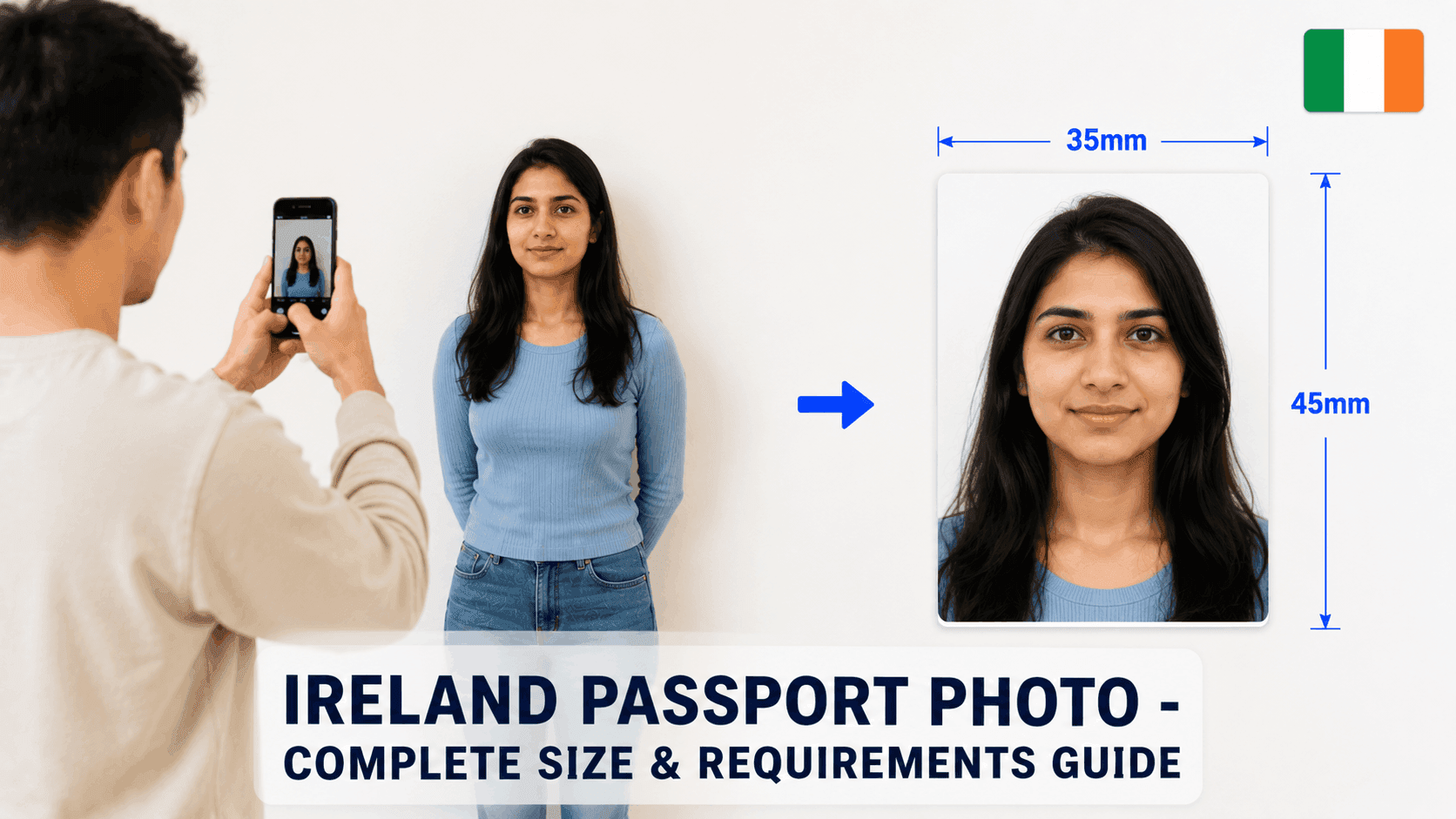
- Size: 35 x 45mm, or at least 715 x 951px for a digital upload
- Background: Plain white, light grey, or cream (some flexibility allowed)
- File size: Under 9MB (9216KB), JPEG format
- Face height: 32-36mm from chin to crown
The Selfie Rule Most People Miss
Ireland's Department of Foreign Affairs officially states that another person should take your photo, not a selfie. This is similar to New Zealand's rule. You can still use a smartphone - just have someone else hold it and photograph you.
Step 1: Take the Photo (With Help)
Have someone else take the photo, standing about 4-5 feet away, against a plain white, light grey, or cream wall. Keep a neutral expression with mouth closed and eyes open.
Step 2: Resize It to the Exact Specification
Your photo needs to be cropped precisely to at least 715x951px with your face height in the 32-36mm range. Getting this exact by hand is where most DIY attempts go wrong.
You can use a free tool like PassportPhotoFix to handle this automatically - upload your photo, and it crops and resizes it to the exact Irish passport specification, entirely in your browser.
Step 3: Double-Check Before You Submit
Compare your finished photo against the current requirements on Passport Online before submitting.
Common Mistakes to Avoid
- Using a selfie instead of having someone else take the photo
- A file under 715x951px resolution
- Sunglasses or tinted glasses
- Using a photo older than 6 months
Since the "no selfie" rule is easy to miss, it's worth double-checking who's actually taking the photo before you submit.